
Insert Slots
From the Day and Session view extra slots can be inserted as required.
- Right click (or long press if using touch screen) to highlight an appointment slot.

- The toolbar activates.

- Select Insert Slot
 button.
 -
Update the time / duration / slot type / quantity of slots.
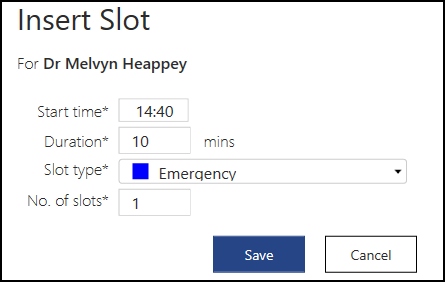
- Select Save to insert.

